Training your staff to run a loyalty program: a 10-minute playbook
A short, practical playbook to get baristas and servers stamping cards, giving rewards and inviting guests to join, without slowing down service.
· 2 min read · Tapstand team
A loyalty program lives or dies at the counter. If staff forget to mention it, can't find the scanner, or aren't sure whether a reward is valid, the best-designed program fails. The fix is a short training session and a tool simple enough to use with one hand during the morning rush.
Give every staff member their own login
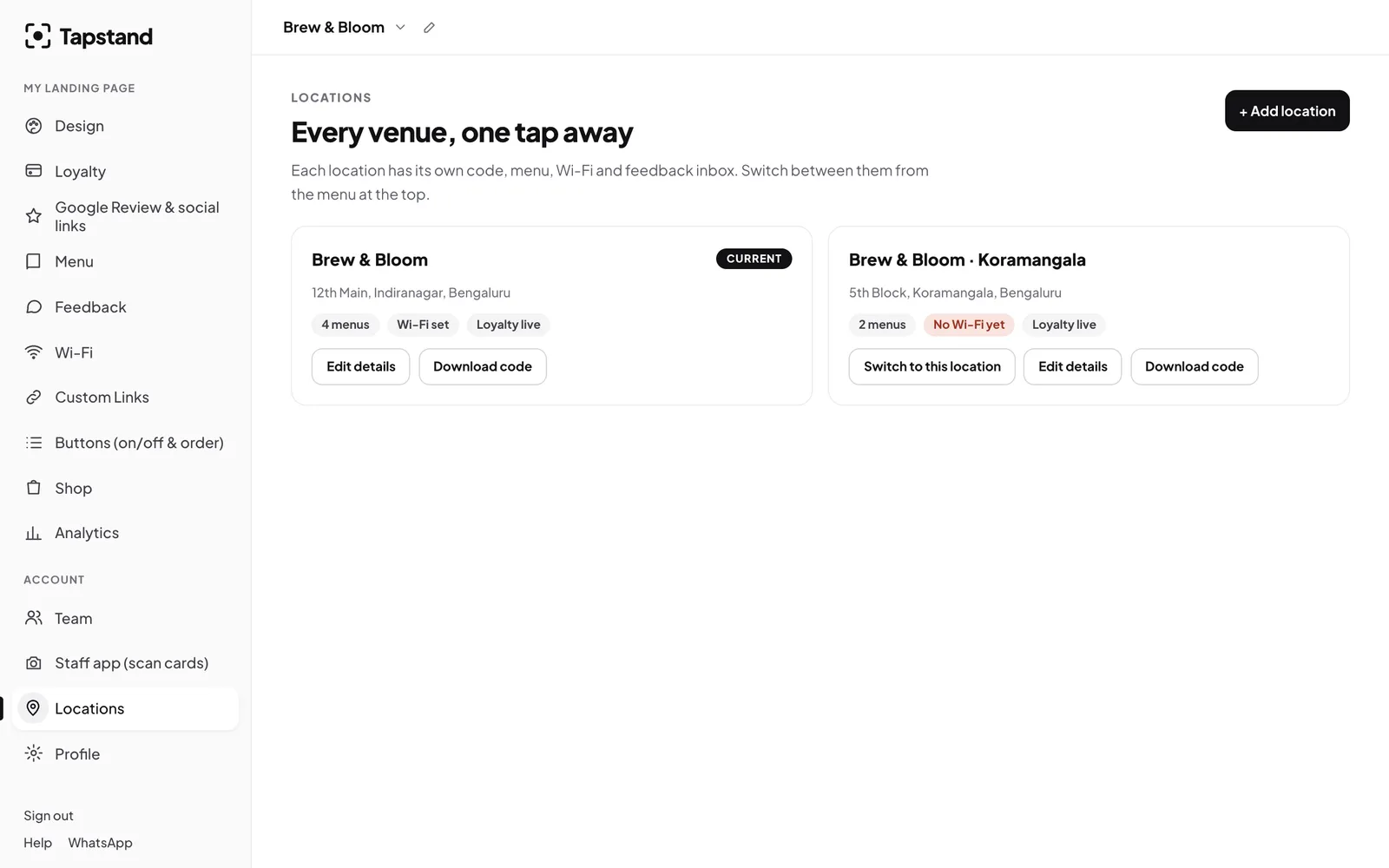
Shared passwords mean no accountability and no way to remove someone who leaves. Invite each person by email and choose a role. Managers can do more; staff get just what they need.


The 10-minute session
Minutes 1–2: why it matters
Explain it in one line: "Regulars keep us open. This helps us know them and gives them a reason to come back."
Minutes 3–6: the stamp, hands-on
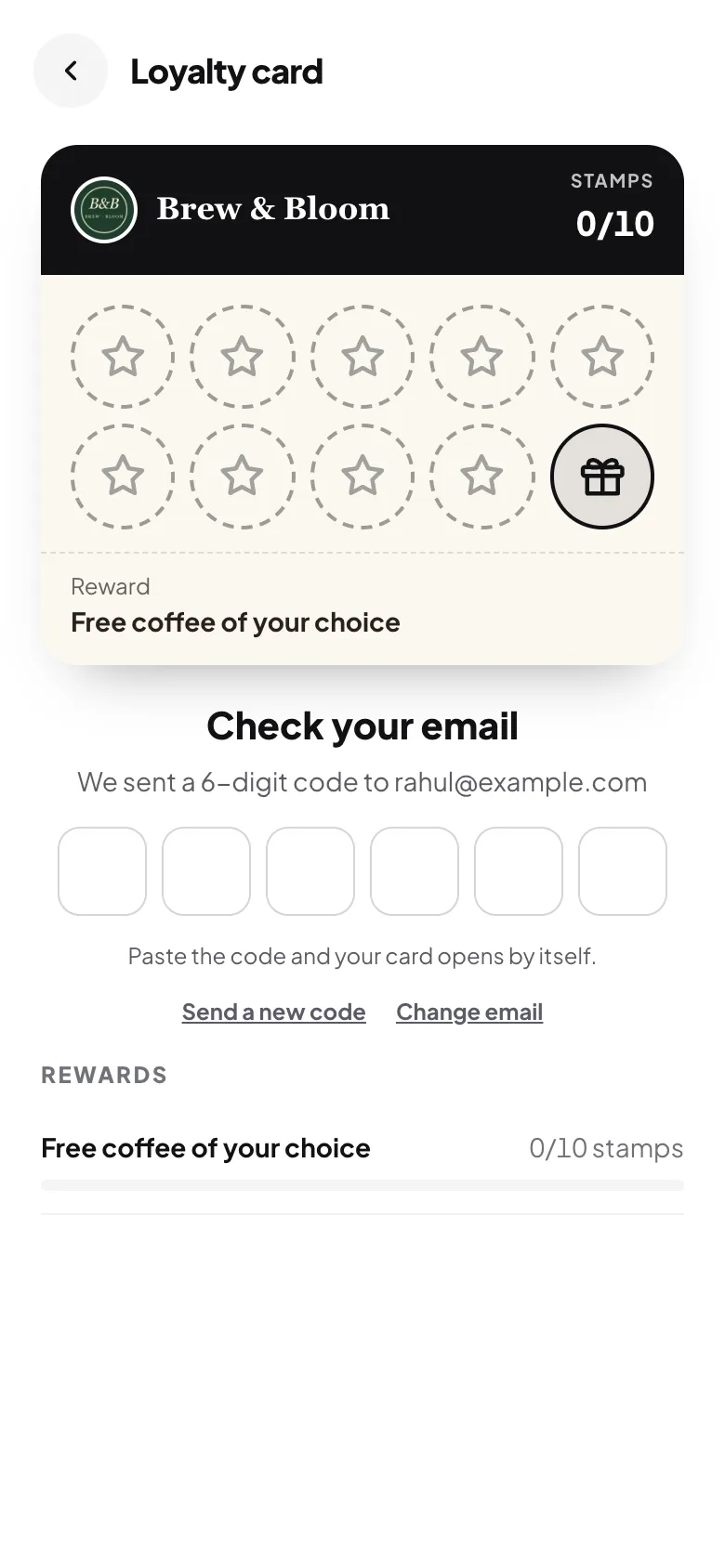
- Guest shows their card on their phone.
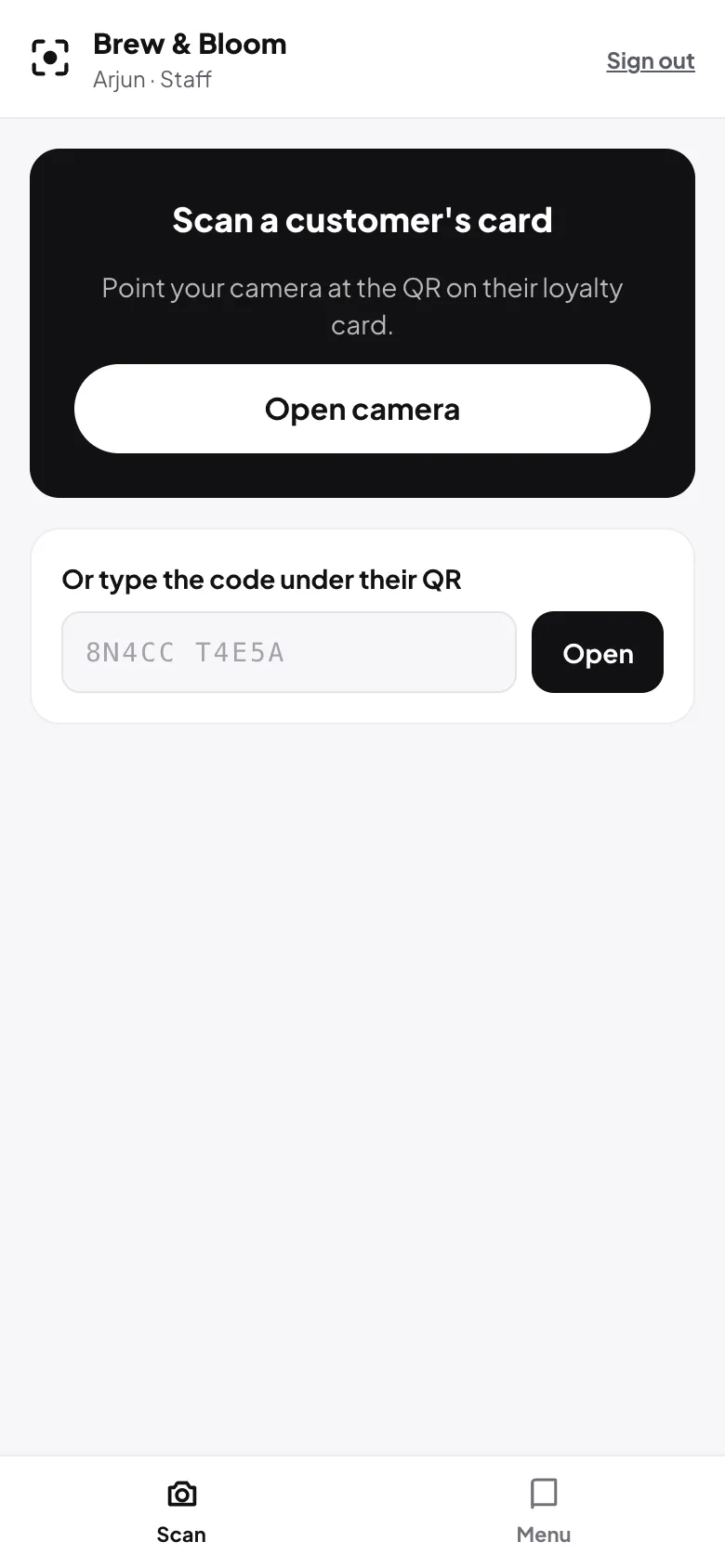
- Open the staff app and tap Open camera, then point at the card's QR code. (No camera? Type the short code under the QR.)
- Tap Add stamp. Done.
- If a reward is ready, choose Give now or Save for later.

Have everyone do it twice on a test card. Muscle memory beats instructions.
Minutes 7–8: the invitation
Give staff one sentence to use with every new face: "If you tap the stand for the menu, there's a stamp card too. Your first coffee stamp's on us." Short, friendly, no pressure.
Minutes 9–10: what not to do
- Don't stamp twice for one visit. The app enforces the cooldown you set, so staff don't need to remember it.
- Don't promise stamps for reviews. Rewarding Google reviews is against Google's rules (see getting more Google reviews).
- Don't argue about rewards. If something looks wrong, call the manager. Every claim is logged.
Let staff help with more than stamps
Depending on the permissions you give, staff can also mark menu items as sold out and update the Wi-Fi details from the same app. When the kitchen runs out of something, the menu updates before the next guest orders it.
Keep it going
- Check the claims log weekly: who gave what, and when.
- Share the numbers at team meetings: new members, stamps given. See measuring repeat customers.
- Remove access the day someone leaves.
Screenshots show Tapstand with a sample café and demo data.