How to make your menu multilingual: Hindi, Bengali, Kannada, Tamil and more
Why a menu in your guests' own language sells more, which languages to pick, how to translate dish names well, and how to run one menu in several languages.
· 4 min read · Tapstand team
Walk into a café in Bengaluru, Kolkata or Chennai and the menu is almost always in English. Most guests manage, but many read it slowly, skip the dishes they can't picture and order what they already know. A menu in the language they think in changes that: they understand the dish, try something new and feel the place was made for them.
Which languages should your menu have?
Not all of them. Two or three well-chosen languages beat a long list nobody maintains. Ask yourself:
- What does your city speak? Kannada in Bengaluru, Tamil in Chennai, Bengali in Kolkata, Marathi in Pune and Mumbai, Telugu in Hyderabad, Malayalam in Kochi.
- Who comes in? Office areas and tech parks draw people from across India, so Hindi often earns a place next to the local language. Near colleges, look at where students come from.
- What do guests ask your staff? If your team often explains dishes in a language, that's your next menu language.
| Language | Share of India (mother tongue, 2011) | Strongest in |
|---|---|---|
| Hindi | 43.6% | North and central India, and widely understood elsewhere |
| Bengali | 8.0% | West Bengal, Tripura, Assam |
| Marathi | 6.9% | Maharashtra |
| Telugu | 6.7% | Andhra Pradesh, Telangana |
| Tamil | 5.7% | Tamil Nadu, Puducherry |
| Kannada | 3.6% | Karnataka |
| Malayalam | 2.9% | Kerala, Lakshadweep |
What a good translated menu looks like
A translated menu should feel written for the reader, not run through a dictionary. Here's the same café menu in Hindi and Tamil:


- Keep dish names people say out loud. Nobody orders a "steamed rice cake": it's इडली, இட்லி, ಇಡ್ಲಿ. Cappuccino, sandwich and pancakes are written in the local script as they sound, not translated word by word.
- Translate the plain words. Ingredients, cooking styles, "Starters", "Half" and "Full" should use everyday local words. Jackfruit biryani is कटहल बिरयानी in Hindi and এঁচোড়ের বিরিয়ানি in Bengali.
- Never touch prices, numbers or brand names. ₹280, 250 ml and Nutella stay exactly as they are.
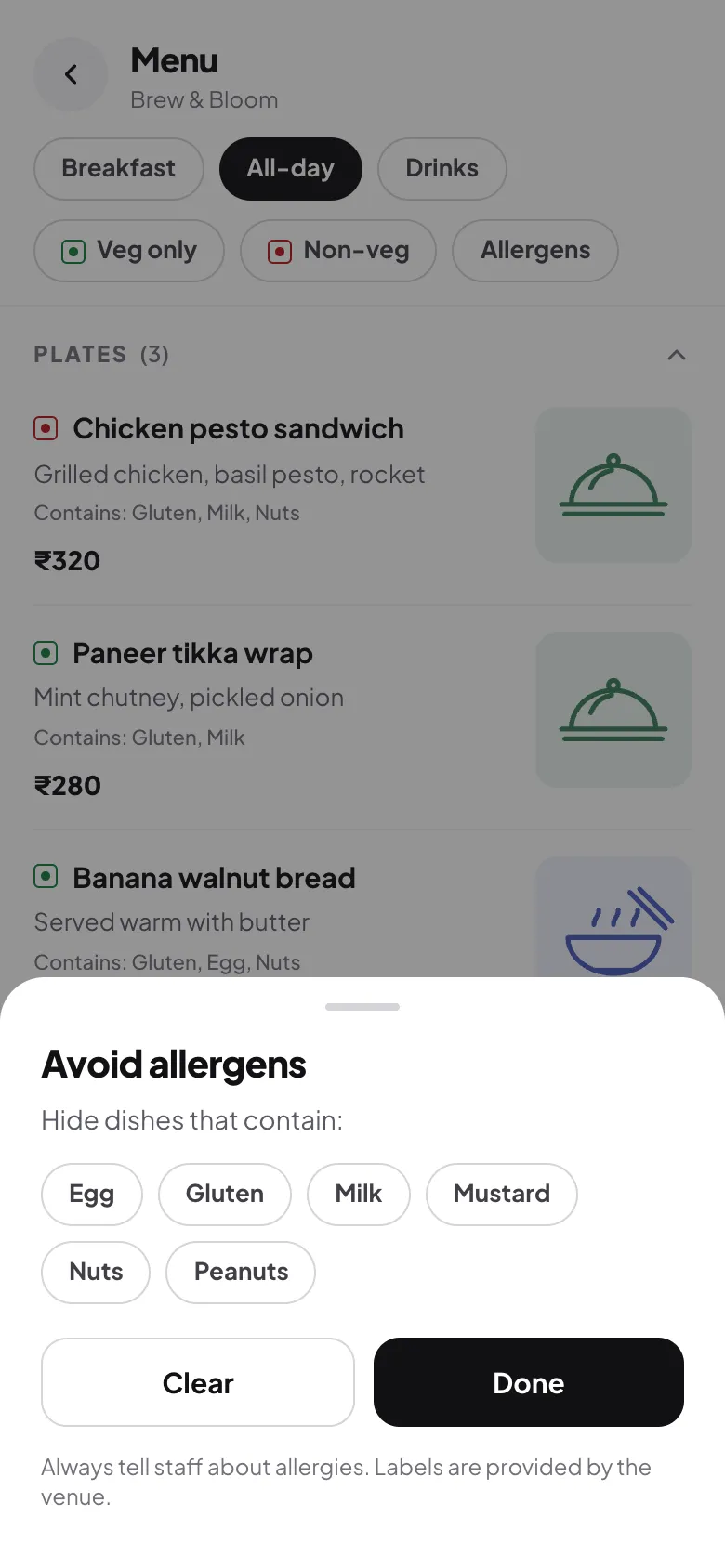
- Keep allergens in English too. Allergy information is about safety, so show both: "दूध (Milk)". Add a line asking guests to check with staff.
- Translate the buttons as well. "Veg only", "Sold out" and "Allergens" matter as much as the dish names.
Let guests choose, and remember their choice
A printed menu in four languages is four times the paper and four times the reprinting when a price changes. A digital menu can hold every language at once: guests tap a language button and the whole menu switches, and their phone remembers it for next time.

Pick the language the menu opens in to suit most of your guests. A Kolkata café might open in Bengali and keep English one tap away.
Setting it up in Tapstand
In Tapstand, go to Menu → Languages, choose the languages your guests speak and the one the menu should open in. Your menu, its categories, dish names, descriptions and sizes are translated with AI, and so are the menu's buttons. Prices, veg markers and allergens stay exactly as you set them.

Want to change a word? Tap the globe button next to any dish, category or menu name. Each language has its own tab, and your edits are never replaced automatically.

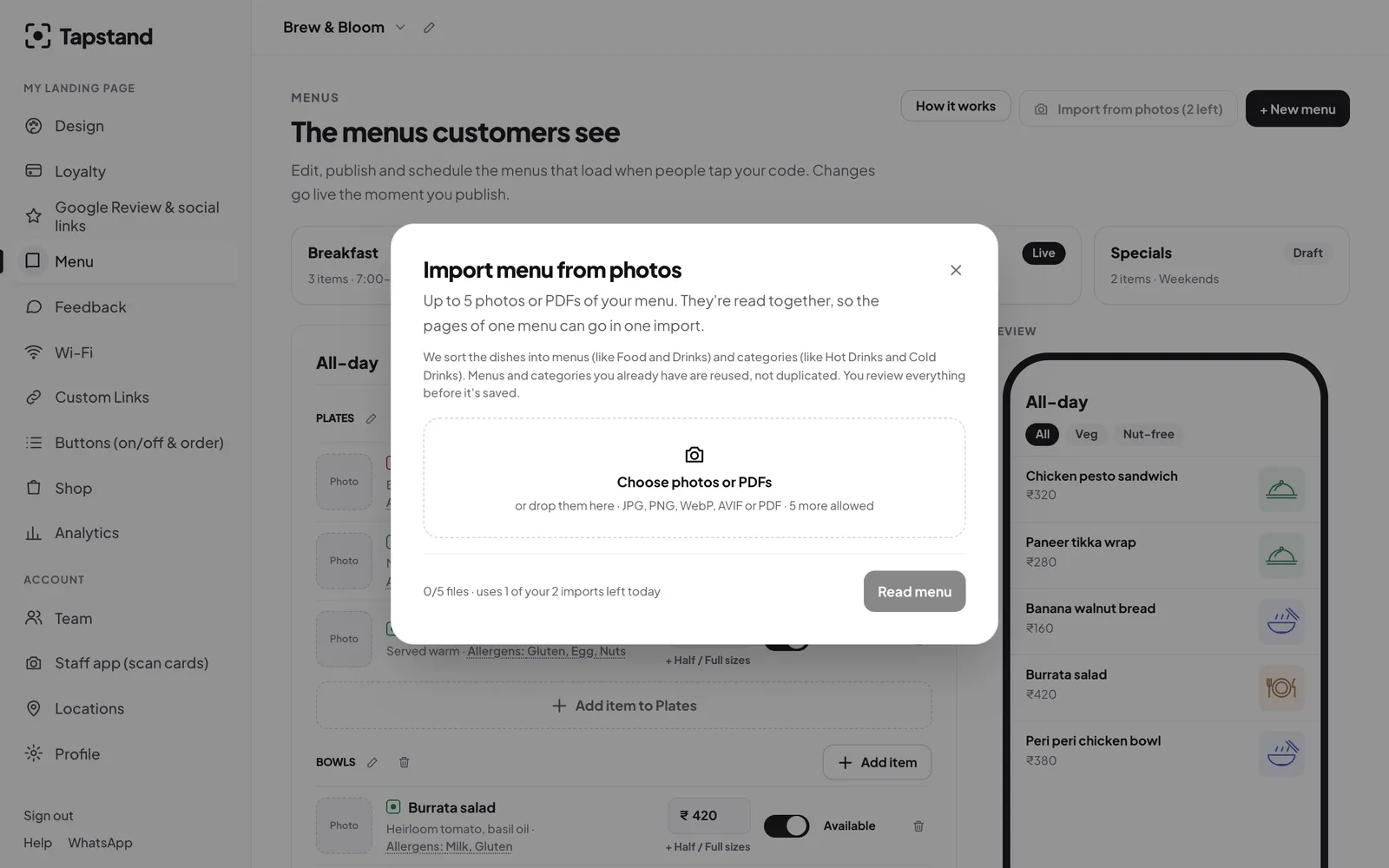
When you add a new dish, it shows in English until you translate again, so guests never see an old translation of a changed dish. Menus you import from a photo arrive already translated. Menu languages and the AI menu generator are included in the Growth and Group plans: ask from the Languages button and we'll set it up with you.
Frequently asked questions
How many languages should a café menu have?
Usually English plus one or two: the local language and, in mixed cities, Hindi. More languages only help if you keep them up to date.
Should dish names be translated?
Mostly no. Well-known names like dosa, biryani or cappuccino are written in the local script as people say them. Descriptions, ingredients and categories should be translated.
Is machine translation good enough for a menu?
It's a strong first draft, especially with a menu-aware prompt. Always have someone who reads the language check it, and fix any odd wording before guests see it.
What about allergens?
Show them in the guest's language and in English, and remind guests to tell staff about allergies. Never rely on translation alone for safety information.
Sources
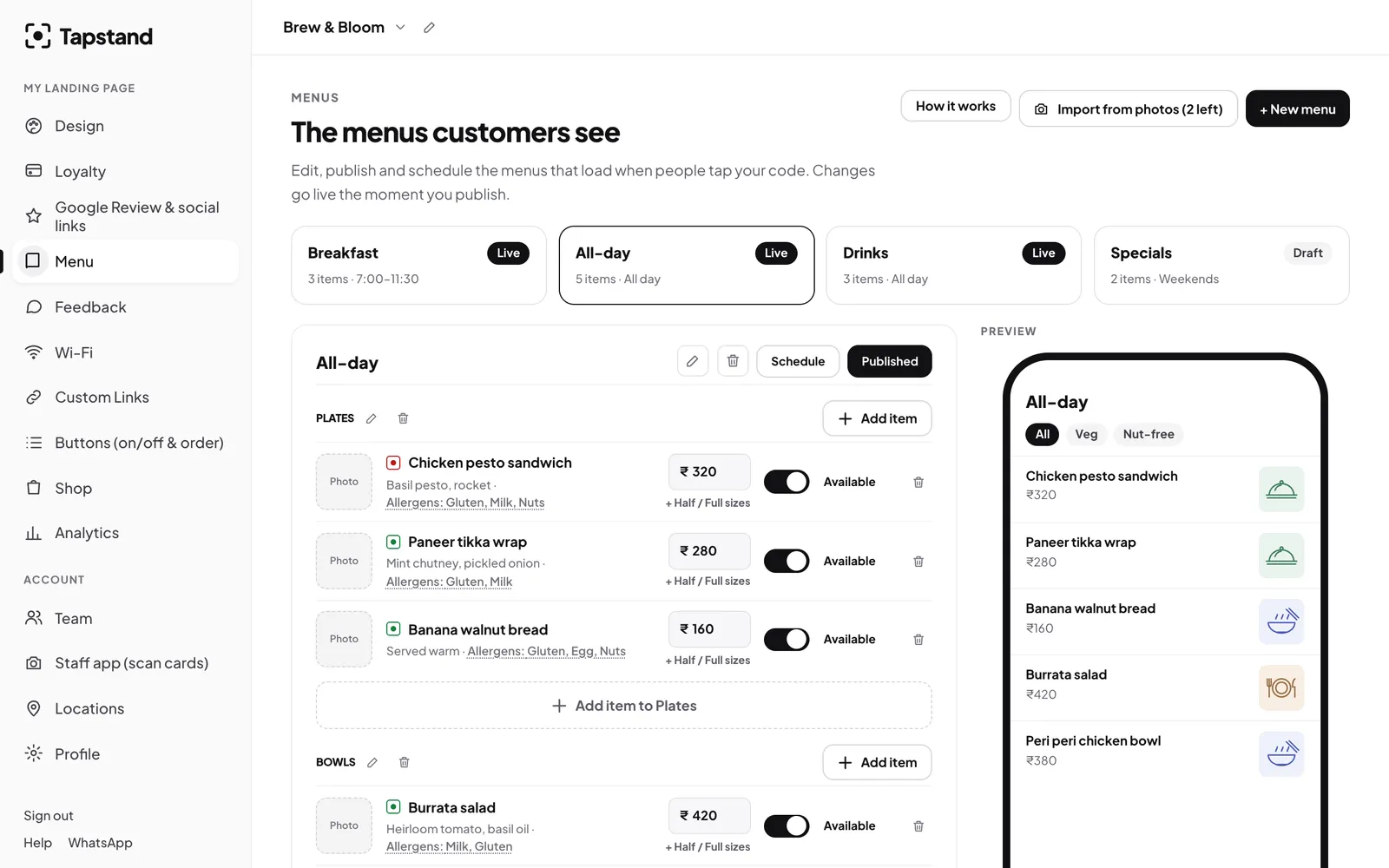
Screenshots show Tapstand with a sample café and demo data.