Breakfast, lunch and specials: scheduling menus without reprinting
Run separate breakfast, all-day, drinks and weekly specials menus on one QR code, switch them by time of day, and mark items sold out in seconds.
· 2 min read · Tapstand team
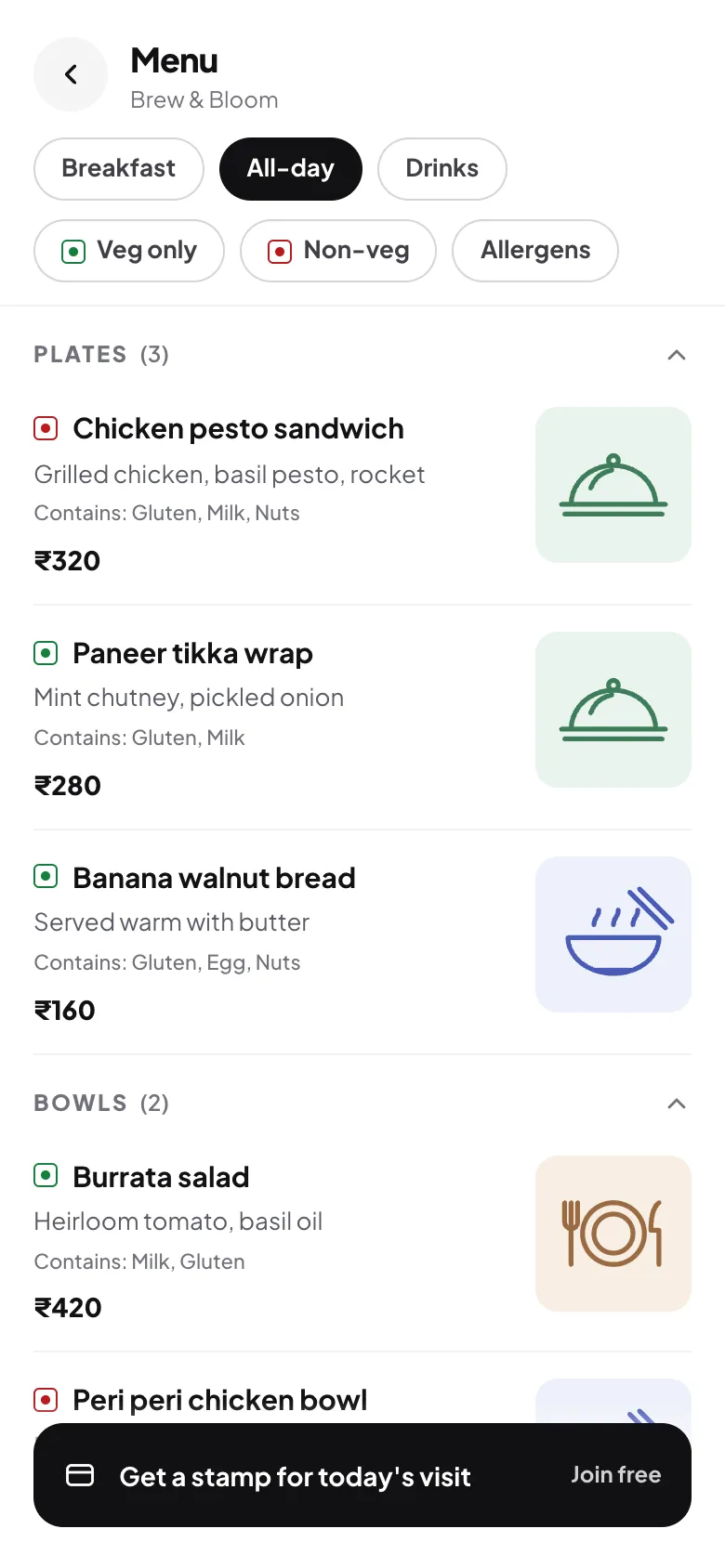
Most cafés don't have one menu. They have a breakfast menu until late morning, an all-day menu, a drinks list, and specials that change every week. On paper that means several printed cards and a chalkboard. On a digital menu it can all sit behind one QR code and change on its own.
Split by how guests order
Separate menus beat one long list. A guest at 9 am wants to see eggs and coffee, not the dinner mains. Think in terms of moments:
- Breakfast: with a time window, such as 7:00 to 11:30.
- All-day: the core menu.
- Drinks: coffee, tea, coolers. Always available, often viewed on its own.
- Specials: a short, changing list. Keep it to five items or fewer.

Schedules, drafts and going live
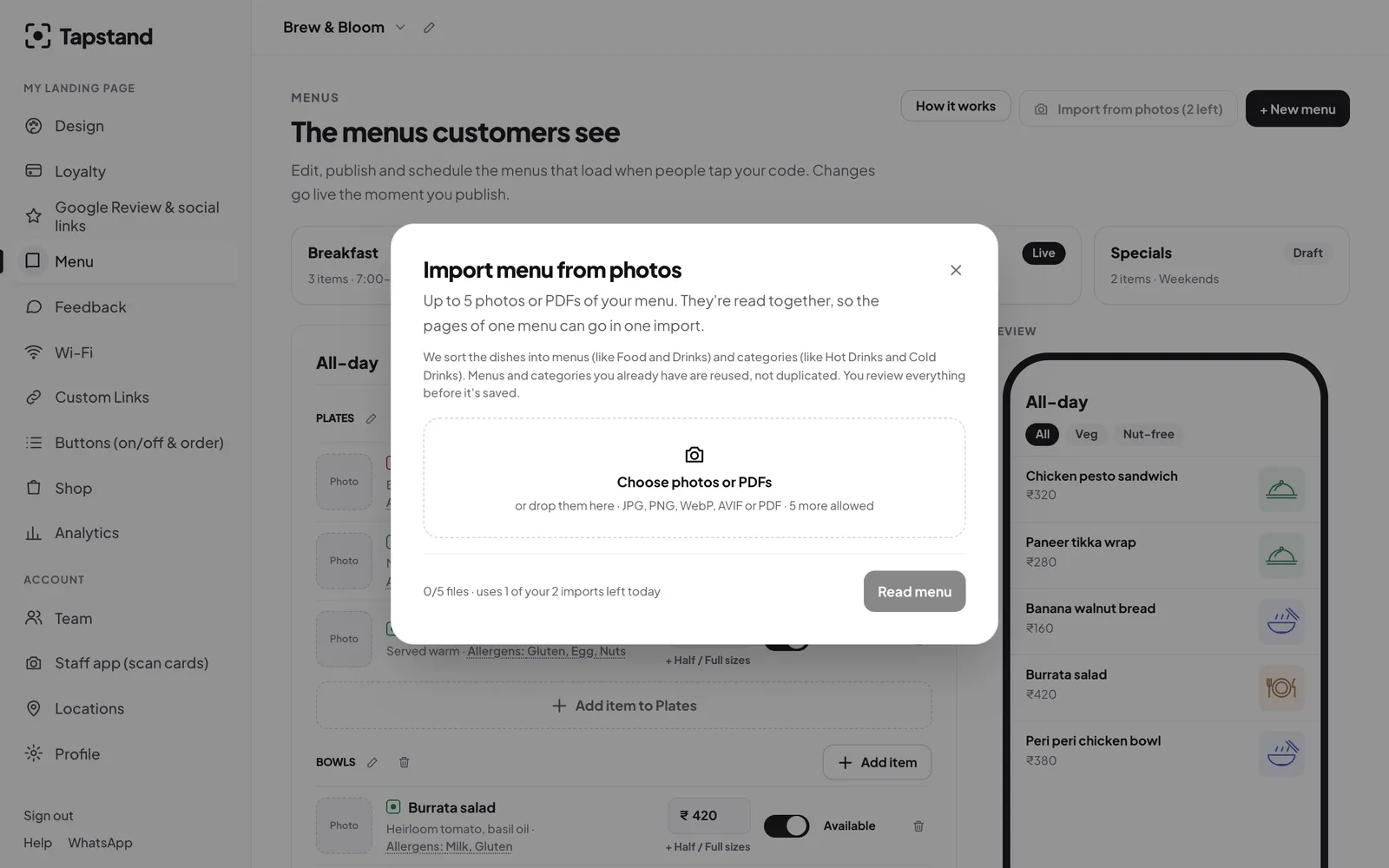
In Tapstand each menu has a status. Live menus show to customers; drafts don't, so you can prepare next week's specials without anyone seeing them. Add a schedule and the menu is only available during its hours.
- Create the menu as a draft.
- Add sections and dishes (or import them from a photo, see AI menu import).
- Set the days and times it should appear.
- Publish. The printed QR code on your tables never changes.
Sold out? Switch it off
Nothing annoys a guest like choosing a dish and hearing it's finished. Every item has an availability switch. Turn it off when the last portion goes and the dish shows as greyed out and marked "Sold out", so guests know before they ask. Staff can do it from their phone too, if you give them permission (see training staff).

Running weekly specials well
- Change on the same day every week so regulars know to look.
- Name the reason: seasonal mangoes, a supplier's new beans, the chef's experiment.
- Price clearly and note sizes.
- Retire specials that don't sell rather than letting the list grow.
- Tell your loyalty members. Specials are a good reason to come back; see loyalty ideas.
Frequently asked questions
Can I have different menus at different locations?
Yes. Each location has its own menus, so a smaller branch can run a shorter list. See our guide to running more than one location.
What happens outside a menu's hours?
Guests are told that menu isn't available right now, and can still browse the menus that are.
Screenshots show Tapstand with a sample café and demo data.