One page for everything: a link-in-bio page for restaurants and cafés
How to build one branded page that holds your menu, Wi-Fi, loyalty card, booking and delivery links, and works on your tables and your Instagram bio.
· 2 min read · Tapstand team
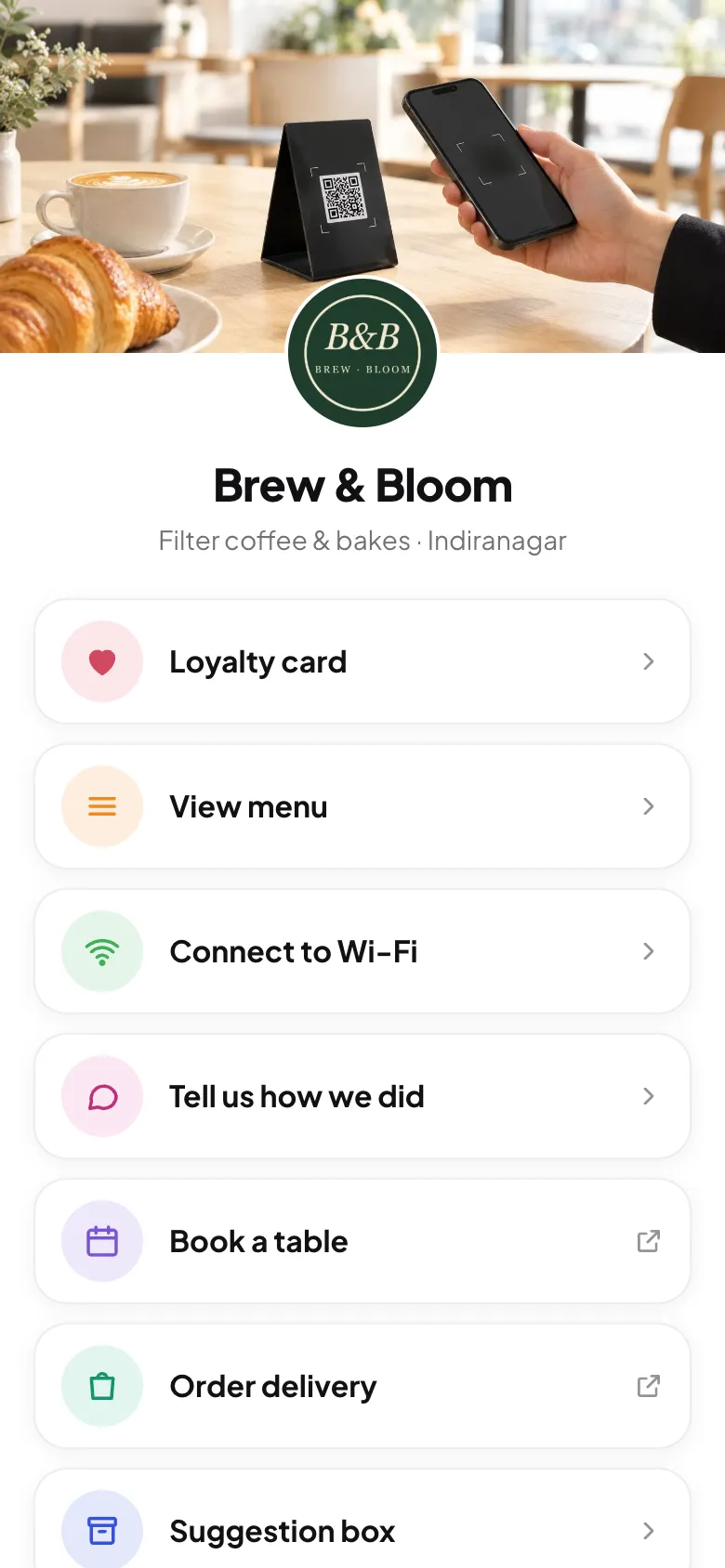
Your café probably has links scattered everywhere: a menu PDF, a booking page, Swiggy and Zomato listings, Instagram, a Google review link. Guests won't hunt for them. One page that holds everything, for your table stands and your Instagram bio alike, makes every one of those links more useful.
What belongs on it
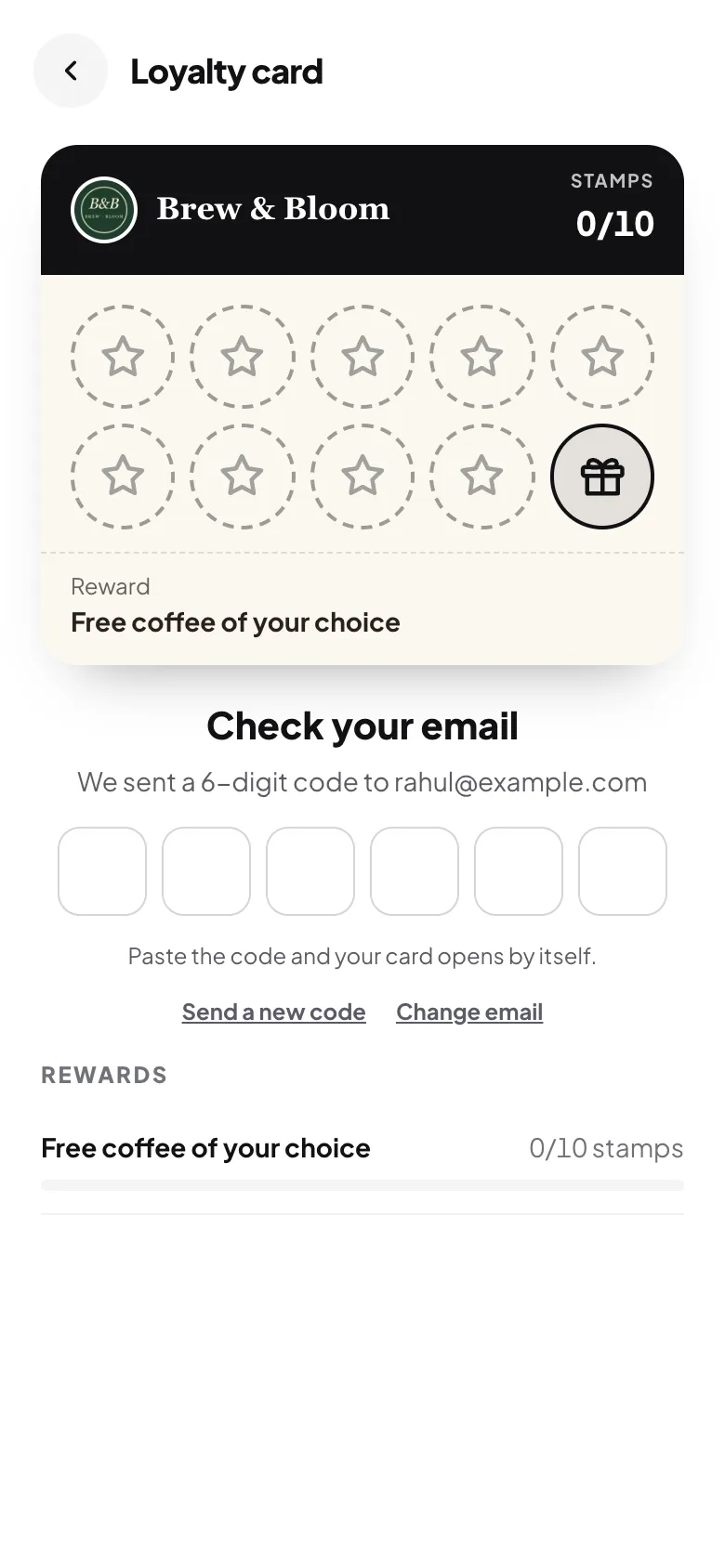
- Loyalty card: the thing you most want people to do.
- Menu: the thing most people came for.
- Wi-Fi: for guests in the café.
- Feedback: a private way to tell you how it went.
- Review us on Google: for everyone, not only the happy ones (see Google's rules).
- Your own links: book a table, order delivery, events, catering.
- Social icons: Instagram, Facebook, Zomato, Tripadvisor.
Make it look like you
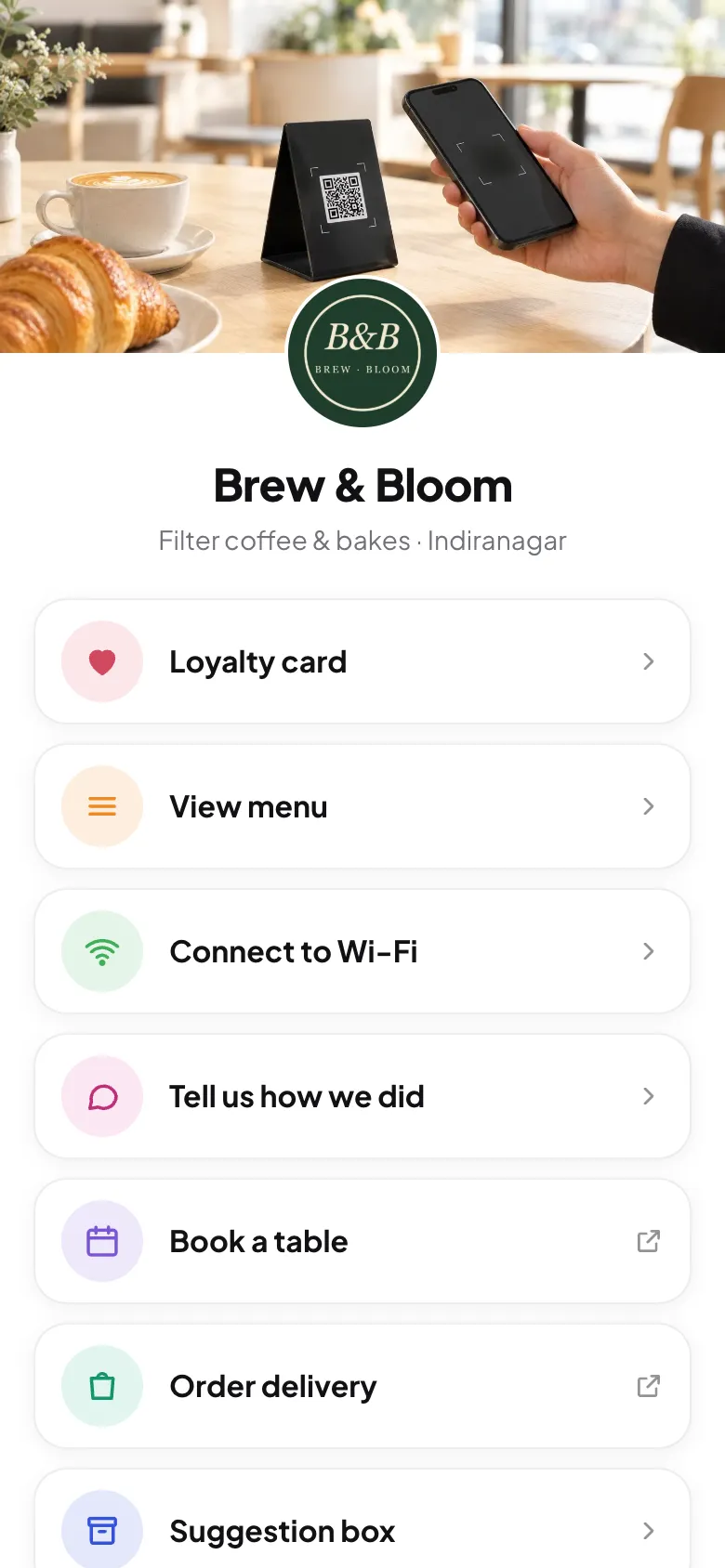
Use a real cover photo of your space or your best dish, your logo, and your brand colour on the buttons. Add a short tagline and your area ("Filter coffee & bakes · Indiranagar"), so people know they've reached the right place.

Order the buttons by what earns you the most
Most guests tap the first two or three buttons. Put what matters most to your business at the top, and switch off anything you don't use.

A café that lives on regulars might lead with the loyalty card. A restaurant with a strong delivery business might put "Order delivery" second.
Add your own buttons
Booking systems, delivery apps, an events page, a catering enquiry form: add each as a button with a clear label.

Use it everywhere
- Table stands and counter: tap or scan. See where to place them.
- Instagram and WhatsApp Business: the link in your bio and profile.
- Google Business Profile: as your menu or website link.
- Receipts, takeaway bags and delivery inserts: a QR code that brings delivery customers into your loyalty program.
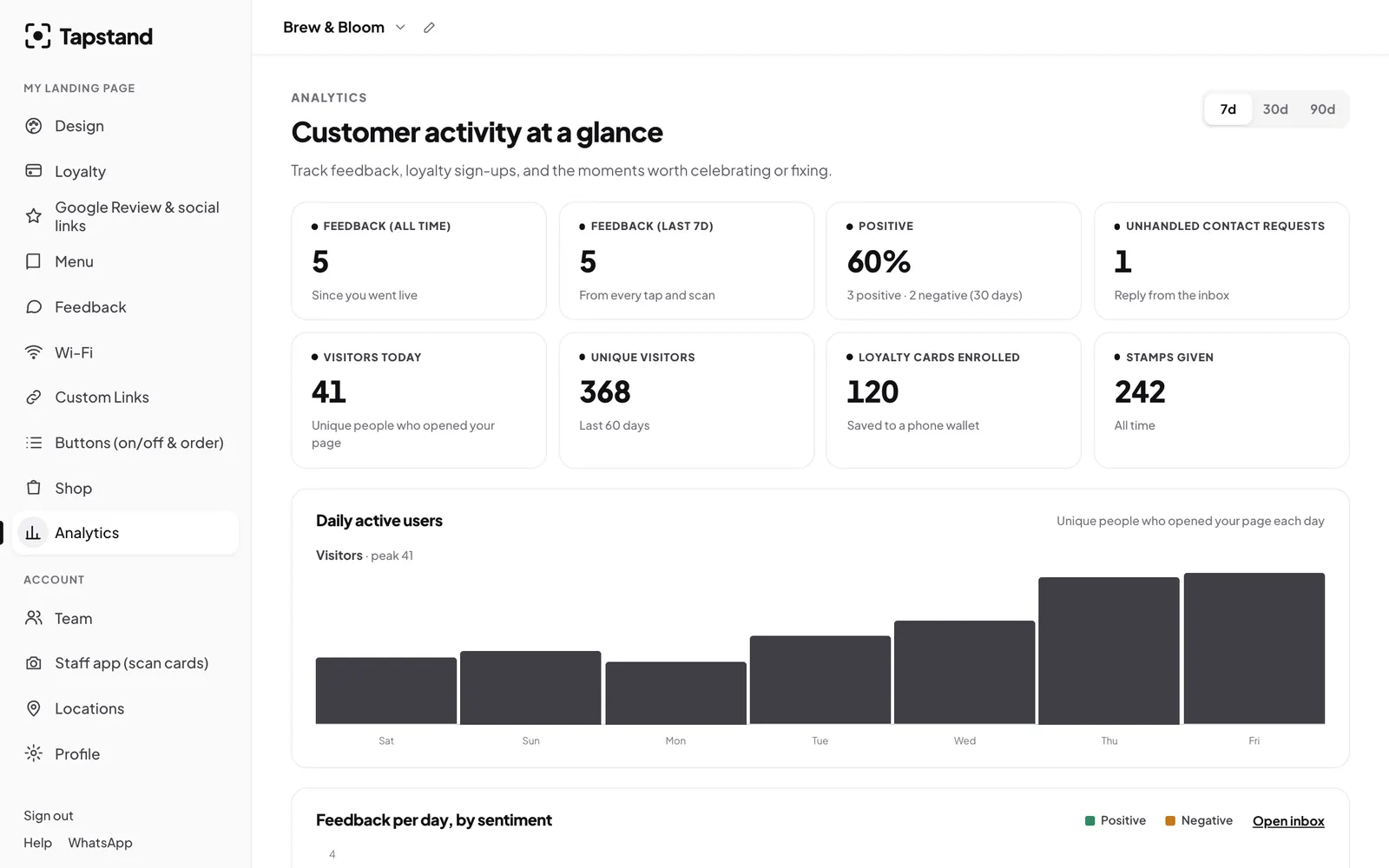
Screenshots show Tapstand with a sample café and demo data.