Where to place QR codes and table stands so customers actually tap
Placement, sizing and wording tips for café and restaurant QR codes and NFC stands, from the counter to the table to the takeaway bag.
· 2 min read · Tapstand team
A QR code nobody notices does nothing. The difference between a code that gets scanned a few times a day and one that gets scanned by most tables is usually placement, size and a few words of explanation, not the technology.
Rule 1: put it where the question is asked
Guests tap when they need something. Place your code at the moment of need:
| Where | What guests want there |
|---|---|
| On each table | Menu, Wi-Fi, feedback before they leave |
| At the counter, by the card machine | Loyalty card while paying |
| Queue area | Menu while they wait |
| Near power sockets / laptop seats | Wi-Fi |
| Takeaway bags and delivery inserts | Loyalty and feedback for off-site guests |
| Washroom mirror (yes, really) | Feedback: a quiet moment with nothing else to do |
Rule 2: tell people what they'll get
A bare QR code is a mystery. A code with a reason gets used. Good calls to action are short and concrete:
- "Tap or scan: menu, Wi-Fi & your stamp card"
- "Wi-Fi password? Scan here"
- "Your first stamp is on us"
- "Tell us how we did (it takes 20 seconds)"
Rule 3: make it easy to scan
- Size: at least 3 × 3 cm on a table; bigger on walls. A rough guide is 1 cm of code for every 10 cm of scanning distance.
- Contrast: dark code on a light background. Avoid light-on-dark and busy patterns.
- Finish: matte. Gloss reflects café lighting straight into the camera.
- Angle: a tilted stand is easier to scan from a seat than a sticker flat on the table.
- Quiet zone: leave a clear border around the code; don't crowd it with text.
Rule 4: make the page worth opening
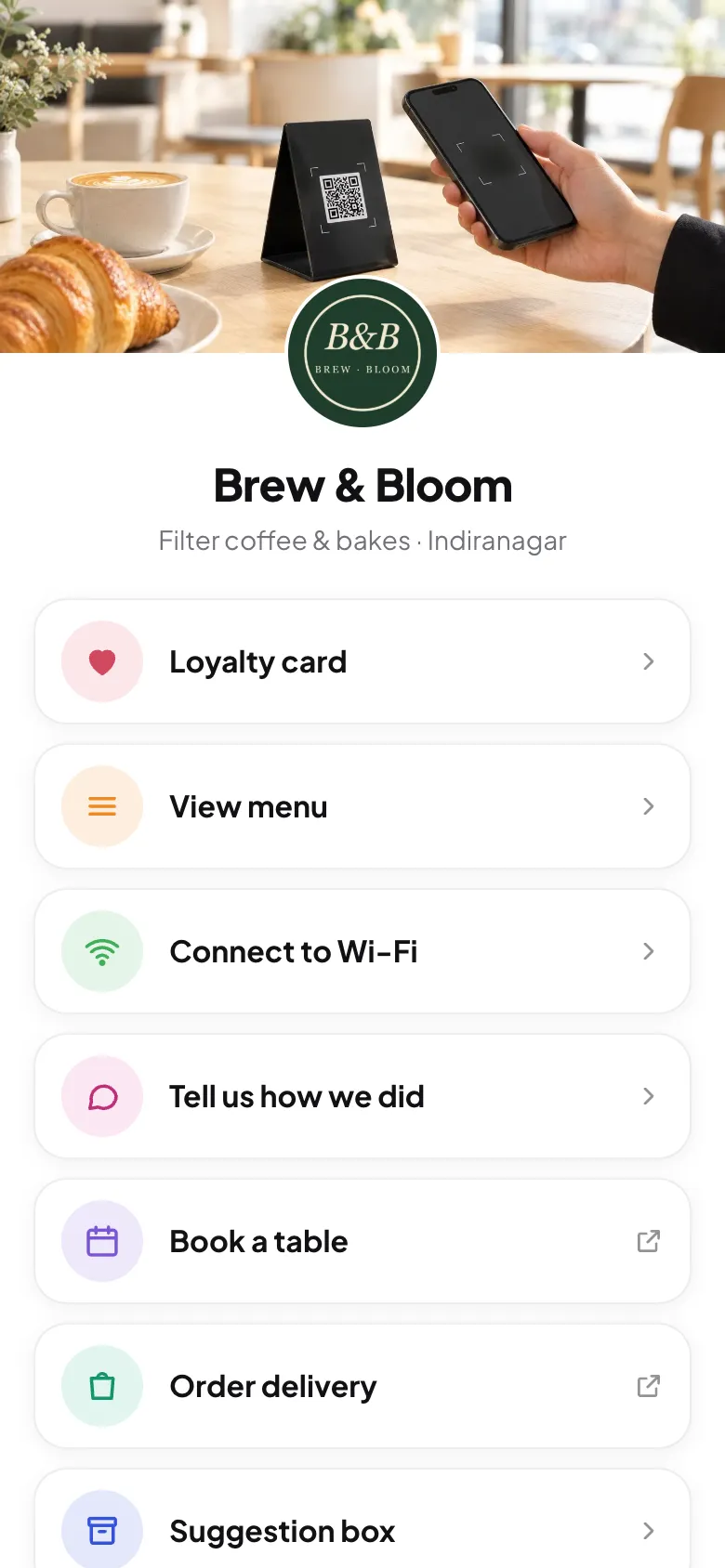
The code is only the door. What guests see next decides whether they'll scan again on their next visit. Lead with what they want (menu, Wi-Fi) and what you want (loyalty), in that order or the reverse, and keep it fast.
Rule 5: check your stands
- Weekly: wipe them down and check nobody has stuck a fake QR sticker over yours.
- After any change: scan every stand once to confirm it opens the right page and location.
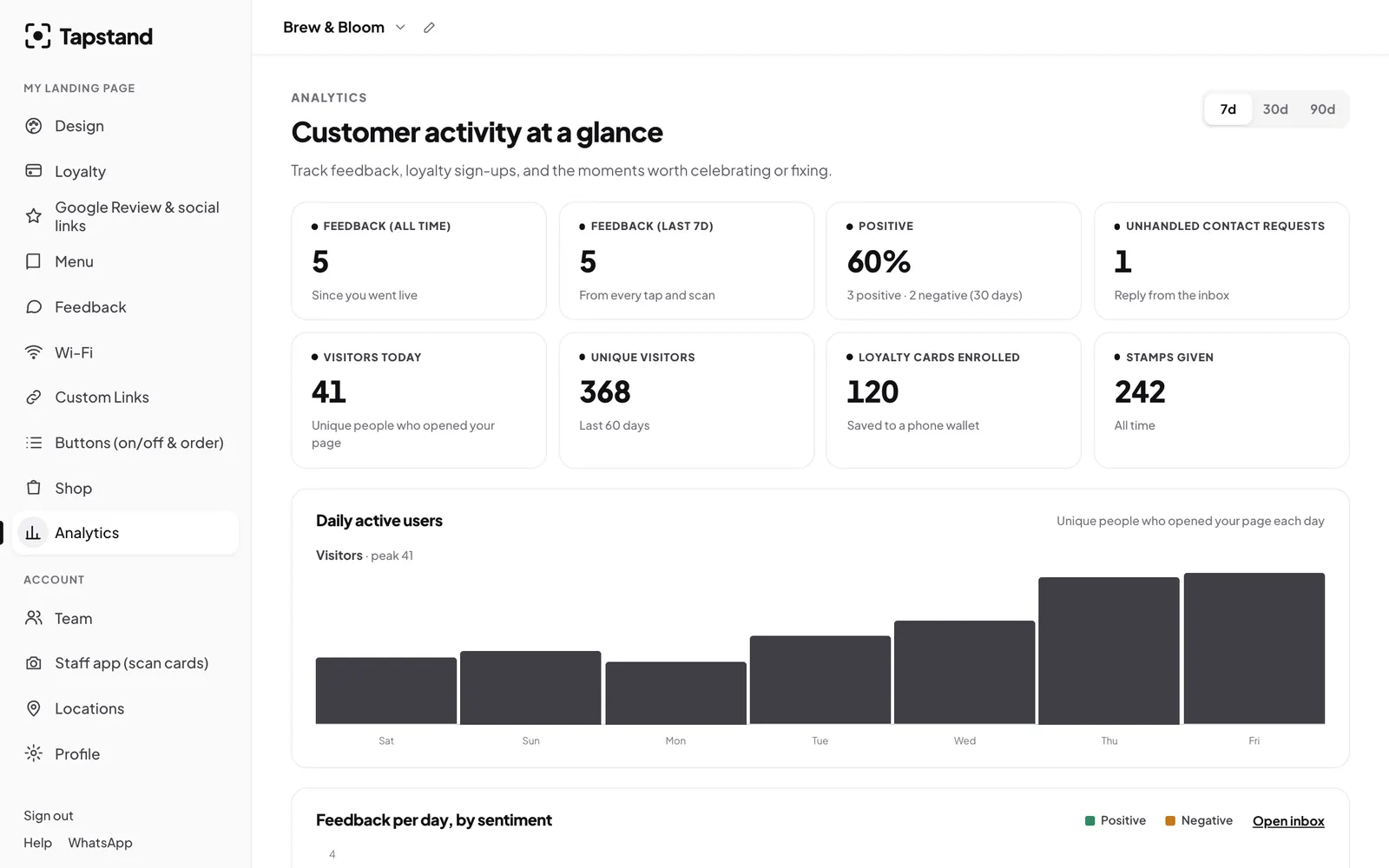
- Watch the numbers: if daily visitors fall at one branch, check that its stands are still on the tables. See measuring repeat customers.
Screenshots show Tapstand with a sample café and demo data.