QR codes for cafés: 7 uses beyond the menu
Seven ways a café can use QR codes: menu, Wi-Fi, loyalty card, Google reviews, private feedback, payments and bookings, and how to fit them on one code.
4 min read · Tapstand team
Most cafés put one QR code on the table and point it at the menu. That's a good start, but guests scan your code every visit, so it can do much more than show prices. Here are seven jobs a QR code can do in a café, what each one needs, and how to stop your counter turning into a wall of codes.
1. The menu
The obvious one. A QR menu saves reprinting, can be updated from your phone and lets you mark items sold out. Point the code at a mobile menu page, not a PDF: guests shouldn't have to pinch and zoom. Our QR code menu setup guide walks through it in six steps, and you can convert a paper menu for free to get started.
2. Wi-Fi without reading out the password
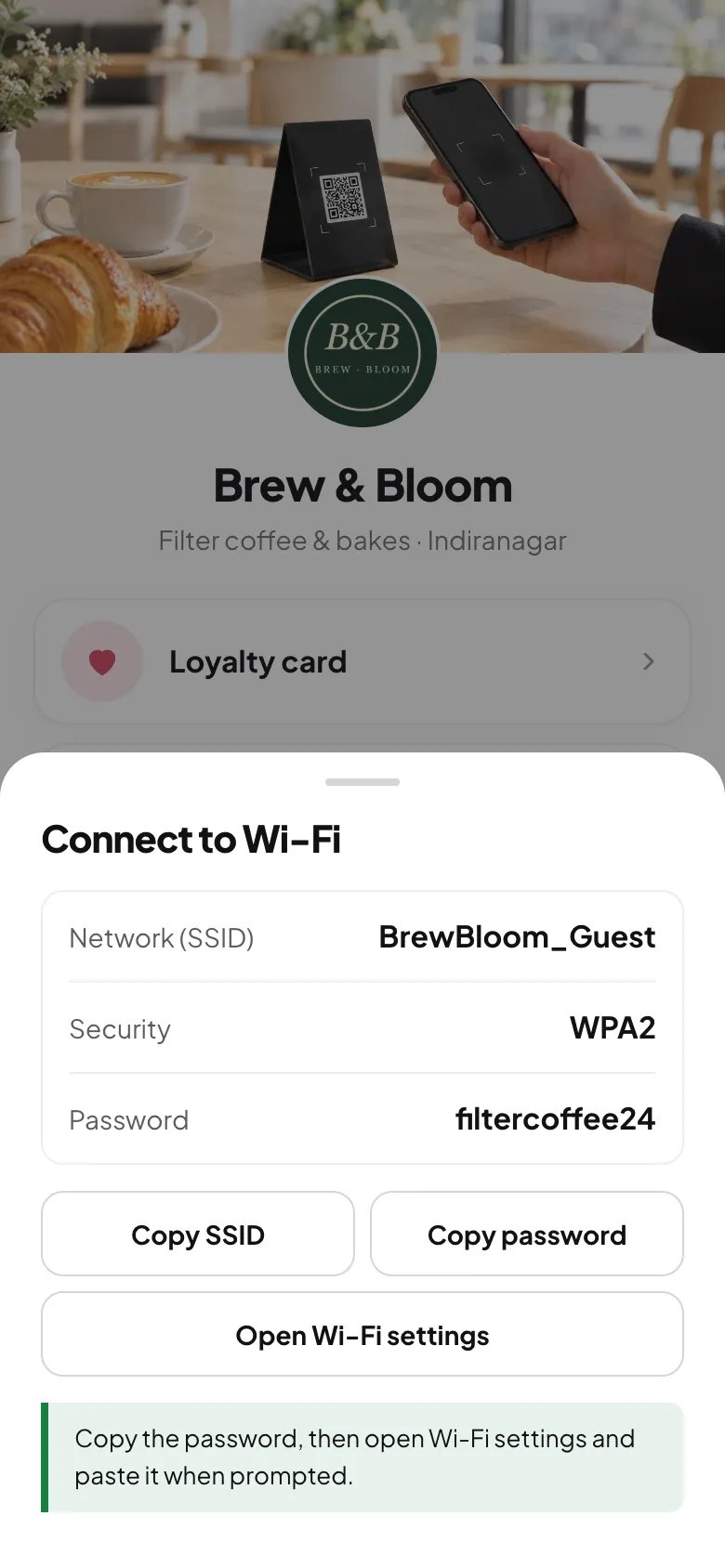
A Wi-Fi QR code joins the network straight from the phone camera, on iPhone and Android. Staff stop spelling out passwords during the rush, and you can change the password without guests noticing. See how café Wi-Fi QR codes work.
3. A loyalty card guests actually keep
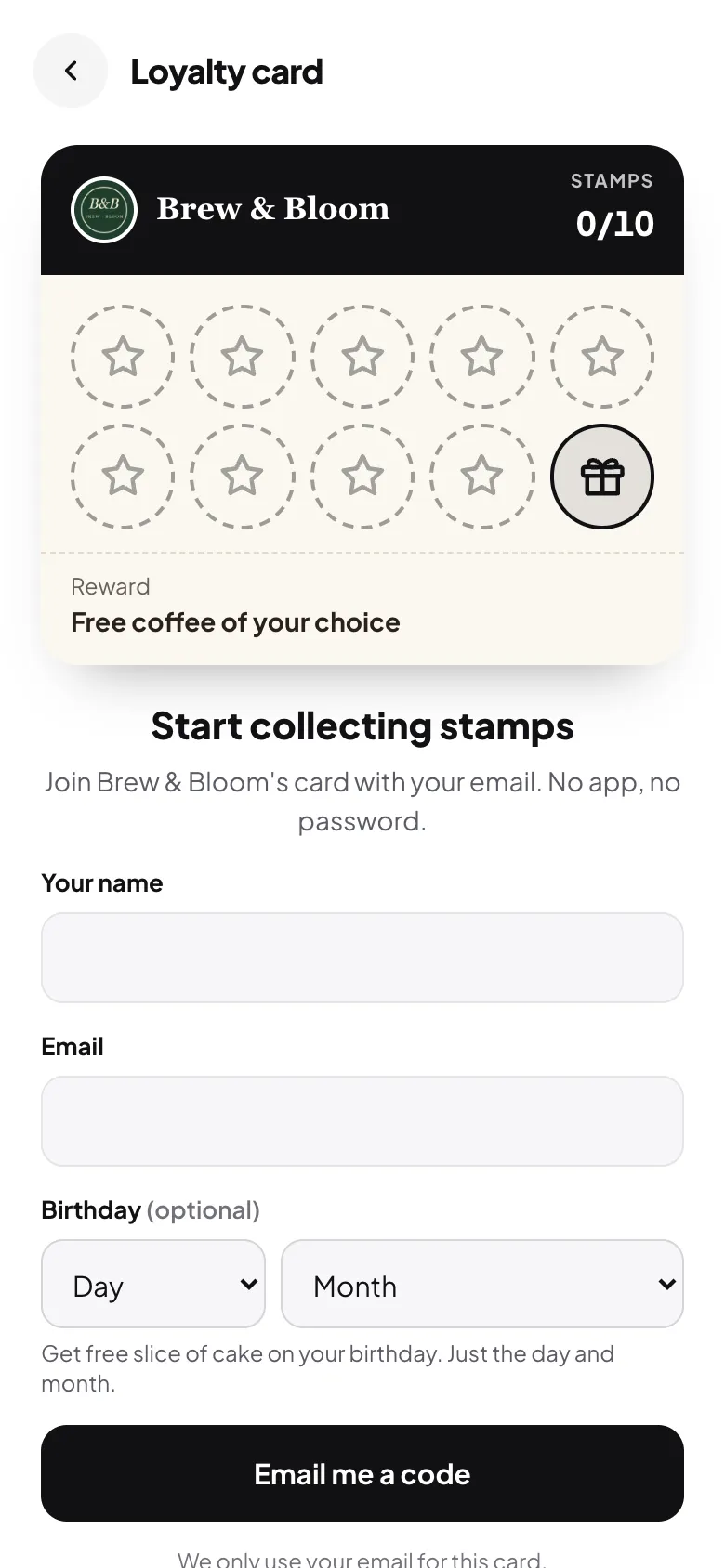
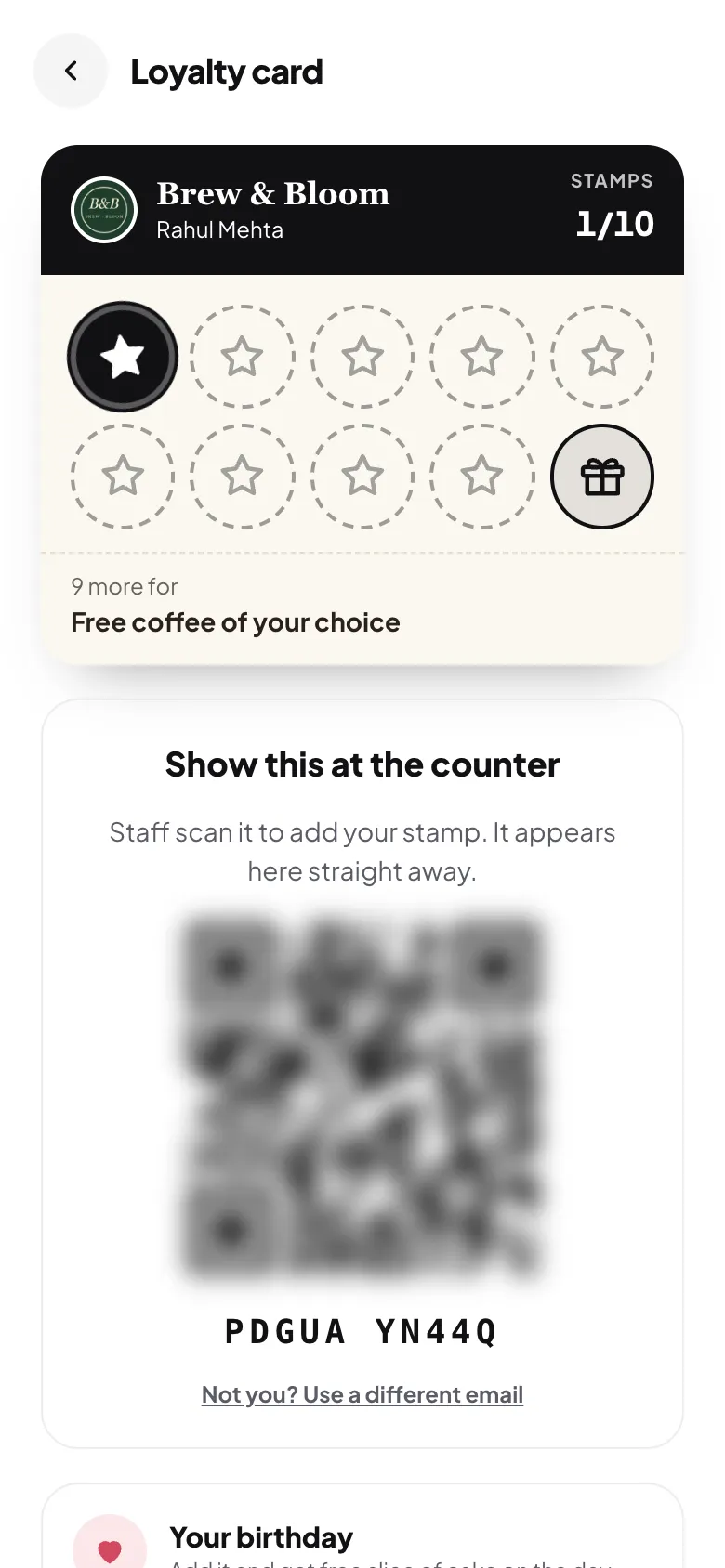
Paper punch cards get lost, and few guests will download an app for one café. A QR code that opens a digital stamp card in the browser solves both: guests join in under a minute and their card lives on their phone.
4. Google reviews
Happy guests rarely search for your Google listing to leave a review. A code that opens your review link directly removes three or four taps. Ask every guest the same way, and never offer rewards for reviews: Google's rules forbid it. Our Google reviews guide covers what's allowed.
5. Private feedback before it becomes a bad review
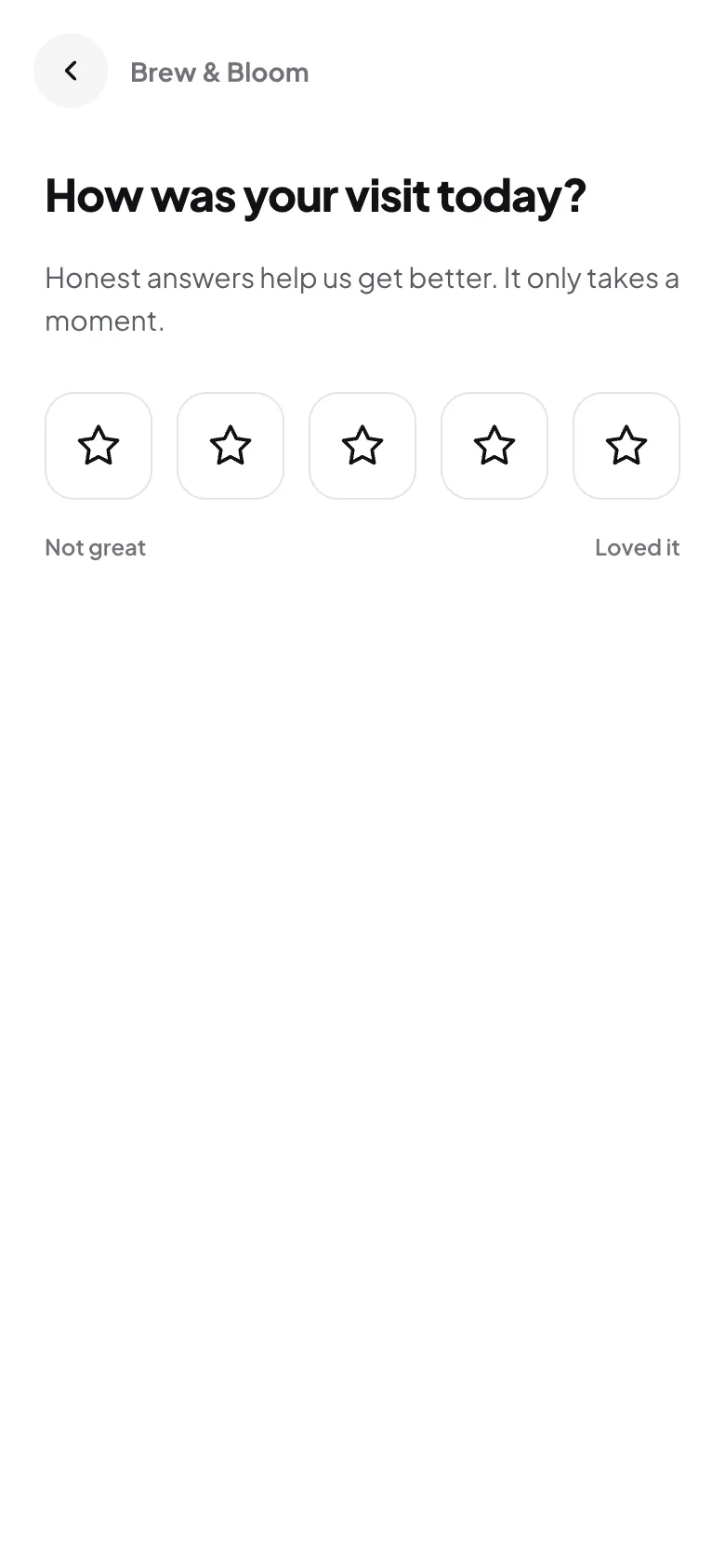
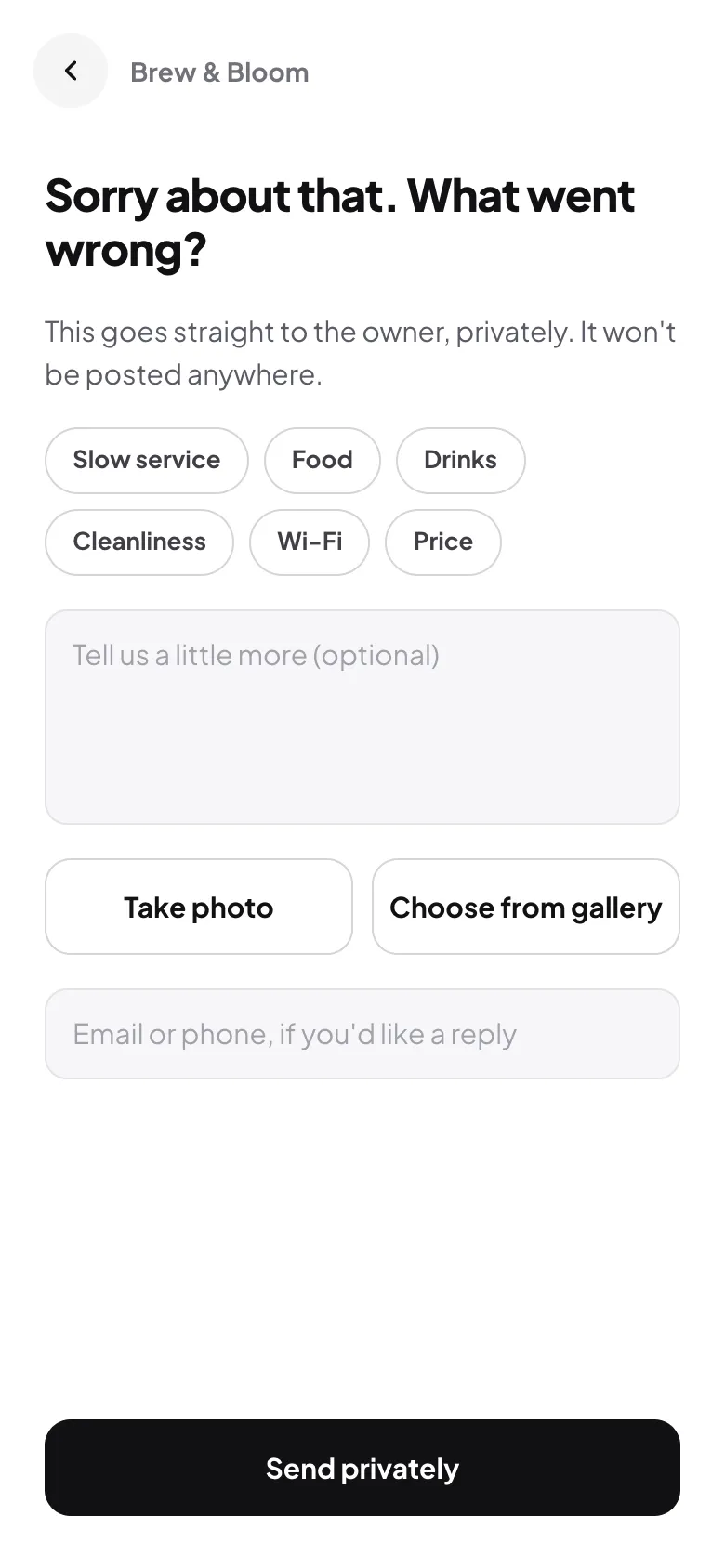
Give unhappy guests somewhere to tell you, privately, while they're still in the café. A short feedback form with a star rating catches cold coffee and slow service while you can still fix it. More in handling negative feedback.
6. Payments
In India, a UPI QR at the counter is already standard. Keep it separate from your guest code: your payment QR comes from your bank or payment app, and guests should never wonder which code takes money. A clear "Pay here" sign next to it avoids confusion.
7. Bookings, delivery and your socials
A table booking link, your delivery app listings and your Instagram all belong in the same place guests already scan. That's the idea behind a link-in-bio page for restaurants: one page that also works as your Instagram bio link.
One code, not seven
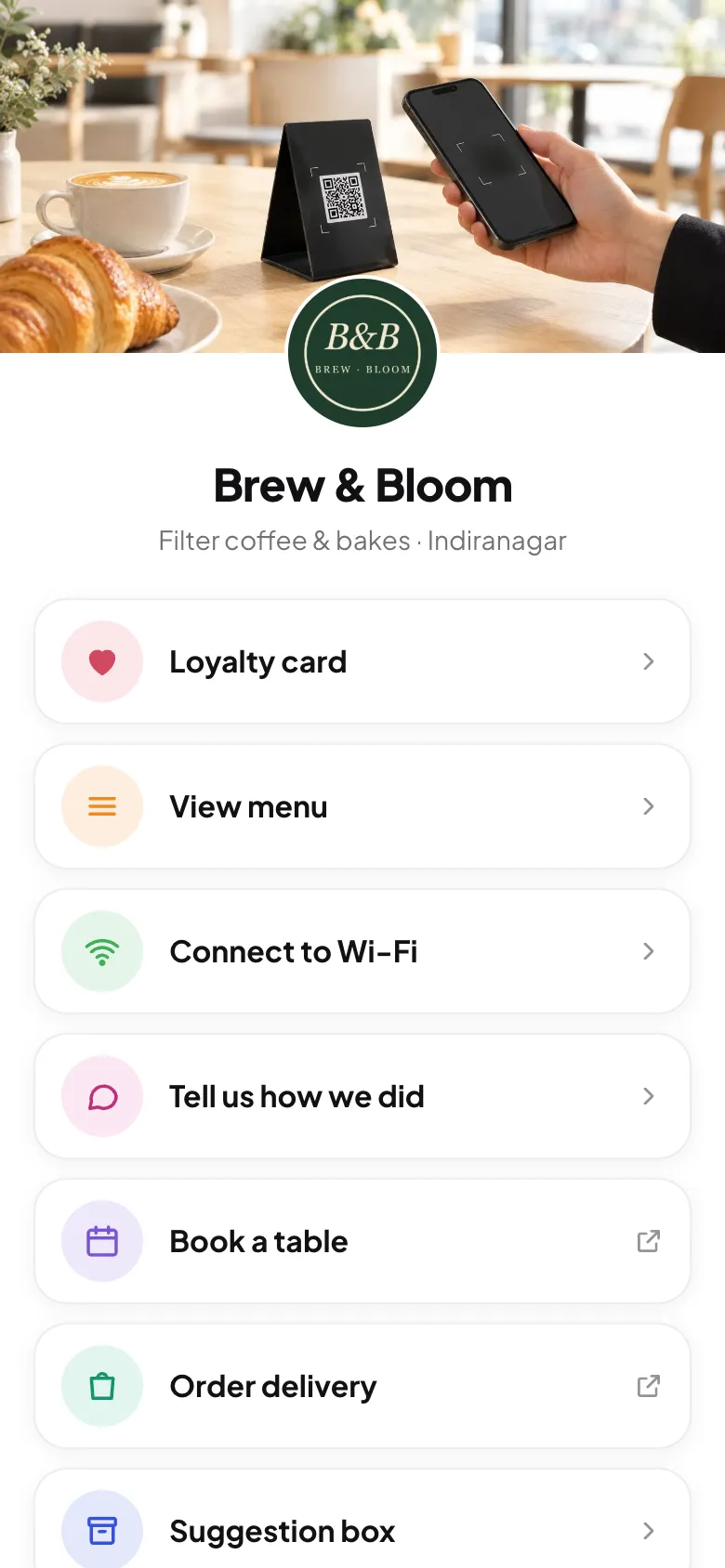
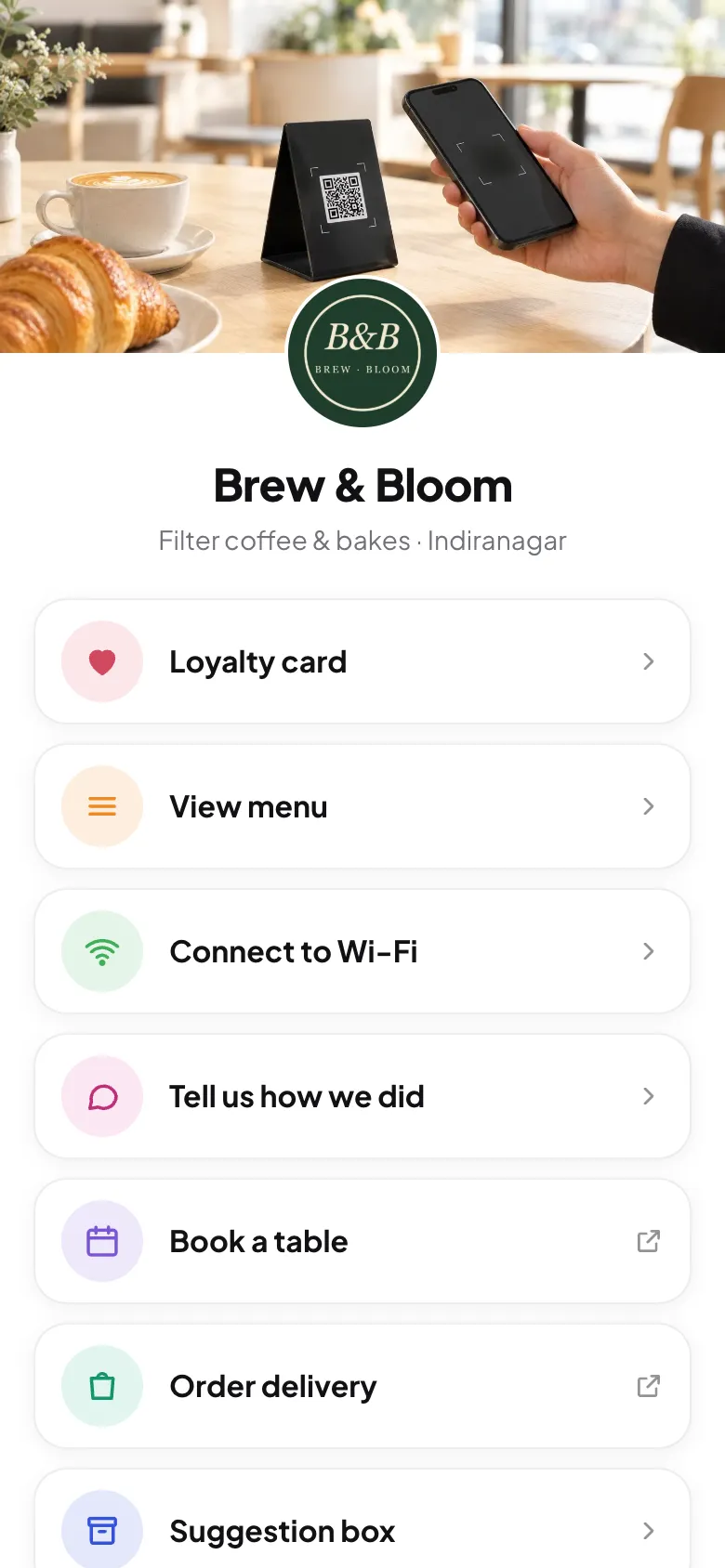
Seven codes on a table is clutter, and guests won't know which to scan. The better setup is one code per table that opens one page with a button for each job. Wi-Fi is the exception that gets its own code, because a Wi-Fi QR joins the network directly.
| Use | Own code? | Where it goes |
|---|---|---|
| Menu, loyalty, feedback, reviews, links | No, one shared code | Every table, the counter, takeaway bags |
| Wi-Fi | Yes | Tables and the wall near seating |
| UPI payment | Yes, from your bank | Counter only, labelled "Pay here" |
Printing café QR codes that get scanned
- At least 3 × 3 cm, on matte stock. Glossy lamination reflects light and cameras struggle.
- Say what the code does: "Scan for the menu, Wi-Fi and your stamp card" gets more scans than a bare code.
- Point at a link you control, so you can change what's behind the code without reprinting.
- Put it where guests sit and wait: tables, the queue at the counter and the pickup point. Our placement guide has the details.
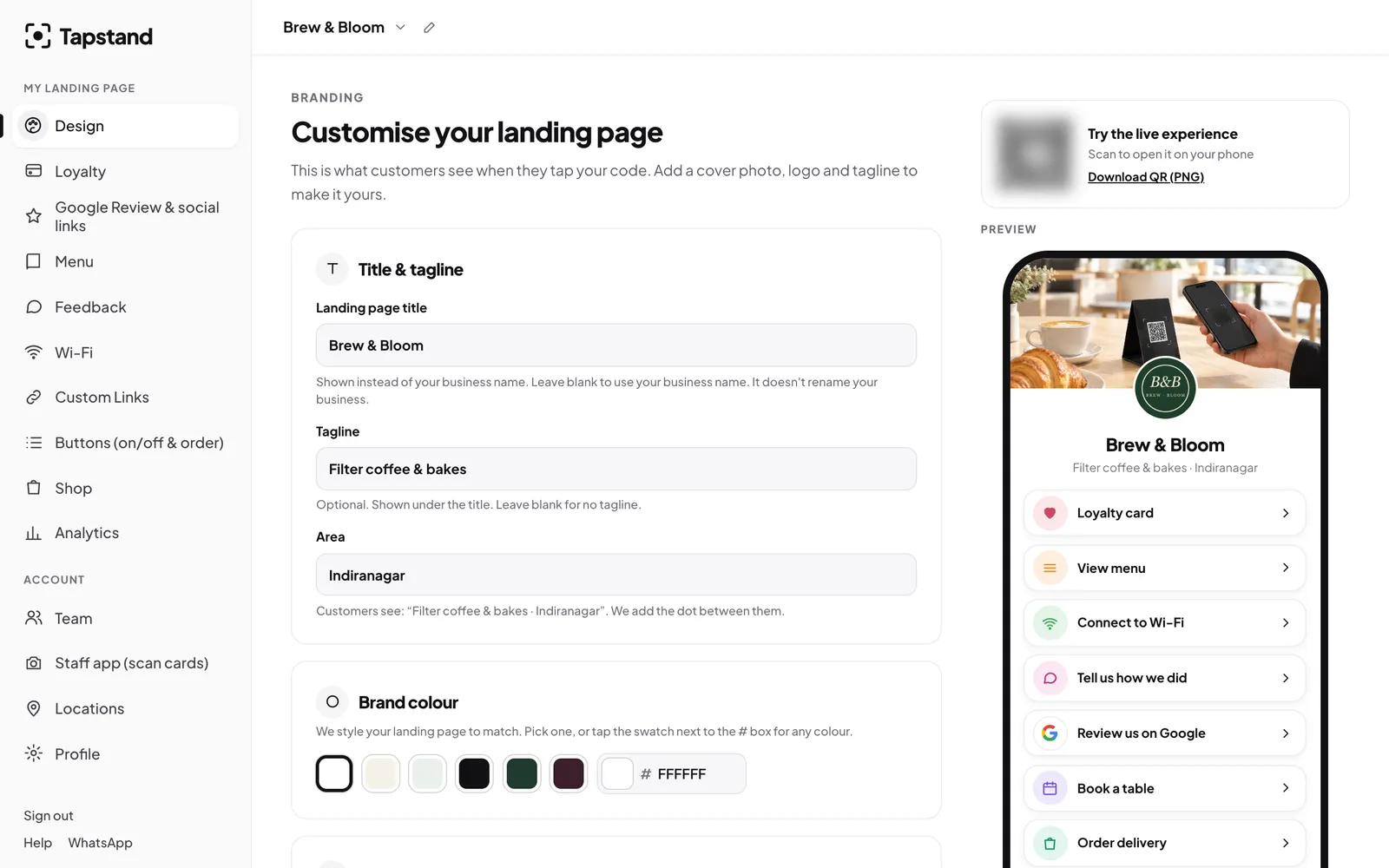
Tapstand gives every café one page with menu, Wi-Fi, loyalty card, feedback and links behind a single QR code and NFC stand, plus a separate Wi-Fi code. Plans start at ₹199 a month.
Frequently asked questions
What can a café use a QR code for?
The menu, Wi-Fi access, a digital loyalty card, Google reviews, private feedback, payments, and links for bookings, delivery and Instagram. Most cafés put everything except Wi-Fi and payments behind one code.
Is a QR code for a café free?
Generating a QR code is free. What you pay for, if anything, is the page it opens: a menu, loyalty card or feedback form. A code pointing at a page you control can be updated without reprinting.
Do customers need an app to scan a café QR code?
No. Recent iPhone and Android phones scan QR codes with the built-in camera, and the page opens in the browser.
Should the payment QR be the same as the menu QR?
No. Keep your UPI payment QR separate, at the counter and clearly labelled, so guests always know which code takes money.
Screenshots show Tapstand with a sample café and demo data.